
Intel vs AMD: Choosing a PC Brain Without the Headache
When shopping for a new computer, one of the most common questions people ask is:
“Should I choose Intel or AMD?”
The truth is, both brands make excellent processors, and neither choice is “wrong.” What matters most is how you use your computer, not which logo is on the box. This guide explains the difference in simple terms, without technical language, so you can choose what actually fits your needs.
 What Does the Processor Do?
The central processing unit (also called the “CPU”) is the brain of your computer. It controls how quickly your computer reacts, determines how many things it can do at once, and how well it handles demanding tasks like editing videos or running business software.
Think of it like an engine. A small engine is fine for everyday driving, but a larger engine is better for towing heavy loads all the time. Most people don’t need the biggest engine available. They just need the right one.
Intel vs AMD: What Kind of “Engines” Are They?
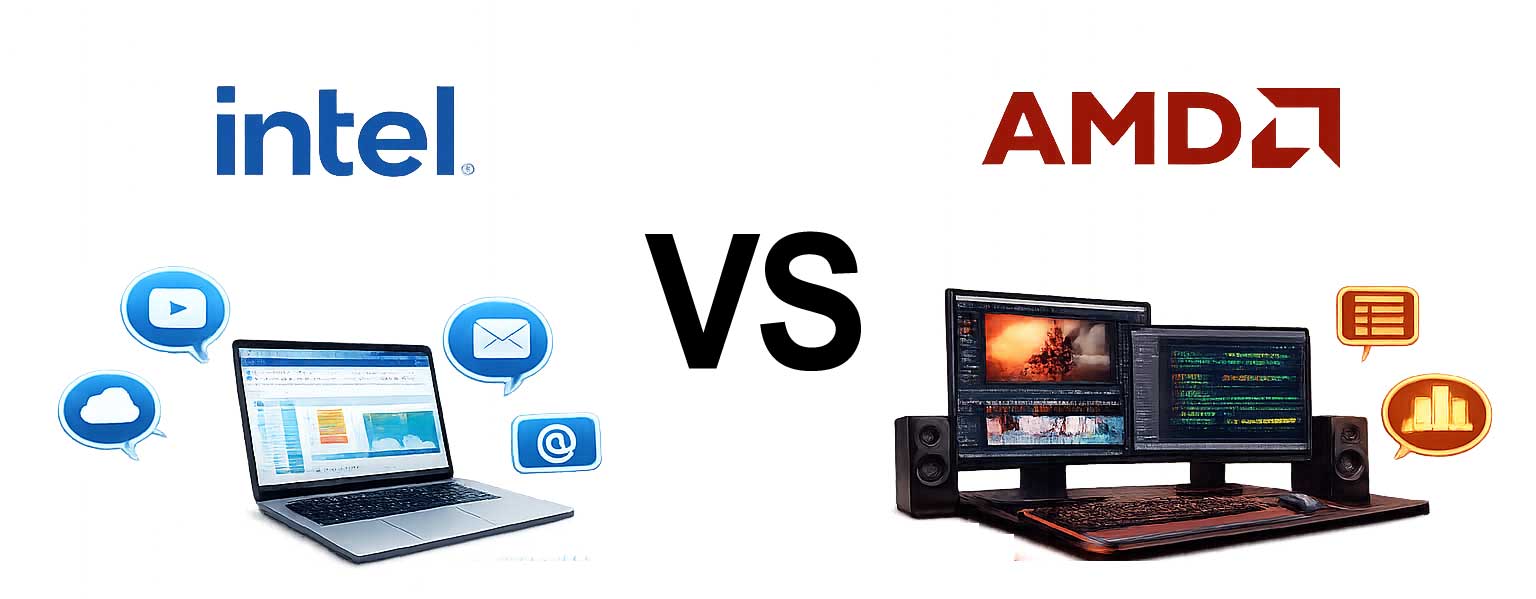
Intel focuses on computers that feel quick and responsive, especially for everyday tasks. AMD focuses on computers that handle heavy, long-lasting workloads efficiently.
You will often see processors labeled with numbers like 5 or 7. 5-level processors are made for most people. 7-level processors are for heavier or professional use. This is true for both Intel and AMD. How you use your computer matters more than the brand.
If You Mostly Use Your Computer For:
- Internet browsing
- Schoolwork
- Office programs (Word, Excel, accounting software)
- Point of sale systems
- Streaming videos (to, not from)
Then Intel or AMD “5-level” processors are more than enough. You will not notice a real-world difference by paying for a higher tier.
If You Use Your Computer for More Demanding Tasks:
- Editing photos or videos
- Running many programs at the same time
- Working with large files
- Programming or engineering tasks
- Long work sessions without breaks
Then the AMD “7 level” processor starts to make sense. These handle constant workload better and stay smoother over time.
Think about the tortoise and the hare. Endurance versus Speed.
Here’s a simple way to think about the difference in such chipsets:
Intel is like a car that accelerates quickly at stoplights.
AMD is like a car built for long highway drives.
If you do lots of short tasks all day, Intel often feels faster.
If you do long, demanding tasks, AMD often holds up better.
Not a Gamer? You Still Need the Right CPU
I already hear you saying, “But I’m not a gamer, I don’t do any gaming.” Well, that may be so, but that does not exclude you from needing a robust CPU to make your computer run with the snappiness you would and should expect.
However, it is worth keeping in mind that if you want a prettier picture, you also get an engine under the hood capable of delivering fidelity to your monitor. As such, if your computer does not have a separate graphics card, the processor handles visuals too.
Intel generally provides better built-in visuals for watching videos, light gaming, and working on photos without special hardware. AMD provides solid visuals for everyday work but focuses more on efficiency than eye-catching performance. If visuals matter and there is no separate graphics card, Intel often has the edge.
Laptop Performance and Battery Life
In the case of laptops, and subsequently the batteries within them, AMD tends to run cooler under heavy use and keeps battery life steady during long tasks. Intel does very well during light or mixed use and has greatly improved in newer models.
For most users, battery differences are small unless you push the computer hard for many hours in a row.
AI and Future Features
Now let’s address the elephant in the room…all about AI and future AI features.
Newer Intel processors include special tools designed for future AI features, such as smarter voice tools, background effects for video calls, and advanced assistance software. Full disclosure: Most people will not notice these features yet, and heck, they may never even utilize these conscientiously. But it may matter if you plan to keep a computer for many years.
AMD supports similar ideas, but Intel currently works more closely with Windows in this area. AMD usually offers more power for the money in work-heavy systems, whereas Intel often provides a smoother out-of-the-box experience for everyday users.
Where to Spend Your Money Instead
In many cases, spending extra on more memory (RAM), faster storage (eg, a fast read/write Solid State Drive), and/or a better screen is more prudent than trying to replace or update a CPU.
It is wise to update your monitor, whether you use a laptop or tower, to match the connections and eliminate the need for adapters and converters. Matching the hardware to the tool matters more than upgrading the processor itself once you have already established the essentials that the processor is intended to provide.
The Biggest Mistake
The biggest mistake people tend to make is buying more processor than they will ever use. For most people, a mid-range system already does and is everything they need—fast, smooth, and reliable.
Paying extra for higher tiers often brings no visible benefit unless your work demands it.
Final Recommendations on Intel Vs. AMD
Choose Intel if you want a fast feeling everyday computer, with good built-in visuals, smooth office, school, and home use, in a system that “just works”.
Choose AMD if you want strong performance during long work sessions, better value for demanding tasks, and a computer that handles many things simultaneously and comfortably.
Closing Thoughts
There is no “best” processor—only the best match.
A good computer should fit your work, your habits, and your budget. Once those are aligned, both Intel and AMD can be excellent choices.
Computers are like cars. You do not need a Lamborghini or a Ferrari when a Camry will get you to where you need to go just fine.