
Ken's Corner
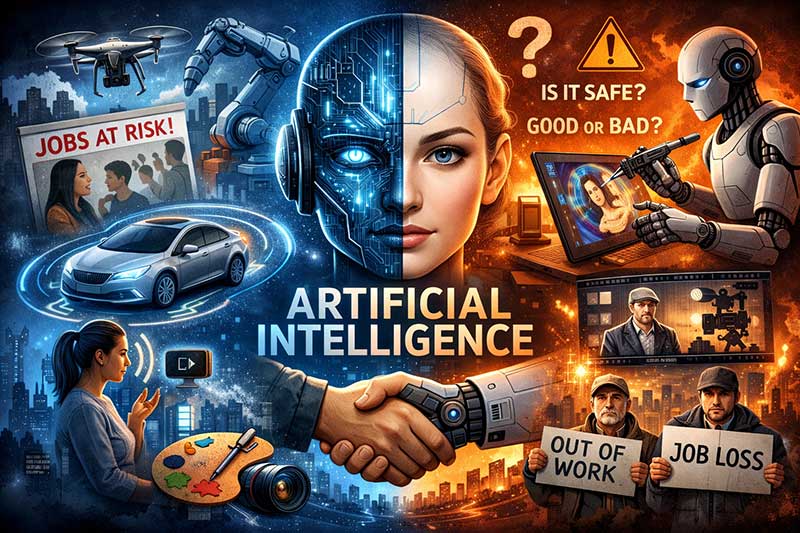 Artificial Intelligence: From Science Fiction to Everyday Reality
What once was theory and science fiction has become reality in the last few years; real enough that it’s not only usable by the average person, it’s also nearly impossible to escape.
Artificial Intelligence is changing the face of technology in many ways, especially in the world of computers, with many current computers already having AI components. That technology will almost certainly be integral to systems from this point on.
What Is Artificial Intelligence?
In simple terms, Artificial Intelligence is technology that allows computers to reason and make decisions just as a human can. It uses algorithms that allow computers to learn, problem solve, and act independently without human intervention. AI can even understand human speech and recognize objects by sight.
Is AI Safe? Public Concerns and Early Examples
Apprehension about AI is understandable, considering the first thing many people associate with the technology is self-driving cars. As with most technologies, the first malfunctions of self-driving cars were covered spectacularly, with critics condemning the technology, thus giving others a bad impression. However, usage of self-driving cars has increased since then, with approximately 30,000 of them in the country. As of 2021, the National Law Review noted that self-driving cars are currently twice as likely to be in an accident as a normal vehicle, but those accidents are, on average, less serious. The technology is still in its early stages and not quite ready for public use (There are currently no self-driving cars available on the open market), but it is expected to improve.
The Benefits of Artificial Intelligence
In many fields, AI has been a boon, allowing tasks to be done quicker and easier, and potentially with fewer mistakes. Systems can complete tasks without outside assistance, freeing operators to concentrate on other tasks.
The Impact of AI on Jobs and the Workforce
However, without the need for outside assistance, many businesses will reason that they can do with fewer employees. The Exploding Topics website has compiled statistics that indicate approximately 14% of the planet’s workforce (about 375 million people) will have to change professions by 2030 due to the loss of jobs to AI. January to early June this year saw nearly 80,000 job losses that could be directly tied to AI.
AI and the Changing Nature of Creativity
Additionally, while the longtime hope was that AI computers could do the work while humans devoted their time to the arts, that dream has been upended. Generative Artificial Intelligence can be used to create multiple styles of art and nearly lifelike videos or write stories, based on previous work done by human creators. Theoretically, it is possible to make a movie using actors – both living or dead – with little-to-no human involvement (A major factor in the five-month-long Screen Writers Guild strike in 2023 was to protect the industry from widespread AI usage.).
Final Thoughts: A Powerful Tool With Real Tradeoffs
There’s no question that Artificial Intelligence can be a great boon, but like many technological advances, it does not come without its drawbacks.
- Details
- Category: Ken's Corner
- Hits: 1539